Learn
We explain the idea using simple words.
 BuildFrame Academy
Learn • Create • Understand • Build
BuildFrame Academy
Learn • Create • Understand • Build
Free online guided eBook • No coding experience required
EVERYBODY STARTS HERE
This guide was created for people who are starting from zero.
It means you do not need to know how to code.
You do not need to know what HTML, CSS or JavaScript mean yet.
You do not even need to understand how a website is made.
We will explain those things together.
HOW THIS GUIDE WORKS
This is not a book that only tells you what something means. You will actually try things while you learn.
We explain the idea using simple words.
We show you an example.
You follow one clear instruction.
We tell you what you should see.
We explain why it happened.
If it did not work, we help you check it.
You use what you learned to create something.
FIRST WORD TO KNOW
AI is technology that can work with information and produce useful responses or results.
Different AI tools can do different things.
Some AI tools can help with writing.
Some can work with pictures.
Some can help explain information.
Some can help us work with code.
AI can make mistakes.
We still need people to think, check, decide and understand what is being created.
MEET OUR MAIN AI TOOL
ChatGPT is an AI assistant created by OpenAI.
You type what you need.
ChatGPT responds.
You can then ask another question, request a change, ask for an example, or say that you do not understand.
I have never coded before. Please explain what a webpage is using simple words.
A webpage is one page that you can view in a web browser. It can contain words, pictures, buttons and other things.
ANOTHER WORD TO KNOW
Coding is a way of writing instructions that a computer can understand and follow.
A recipe gives instructions in an order.
Code also contains instructions.
The computer follows those instructions to help produce a result.
A tiny example:
<h1>Hello!</h1>No.
For now, just know that this little piece of HTML can tell a browser to show a large heading that says:
NOW THE BIG QUESTION
In this guide, Vibe Coding means using ordinary language to work with an AI assistant such as ChatGPT while creating something with code.
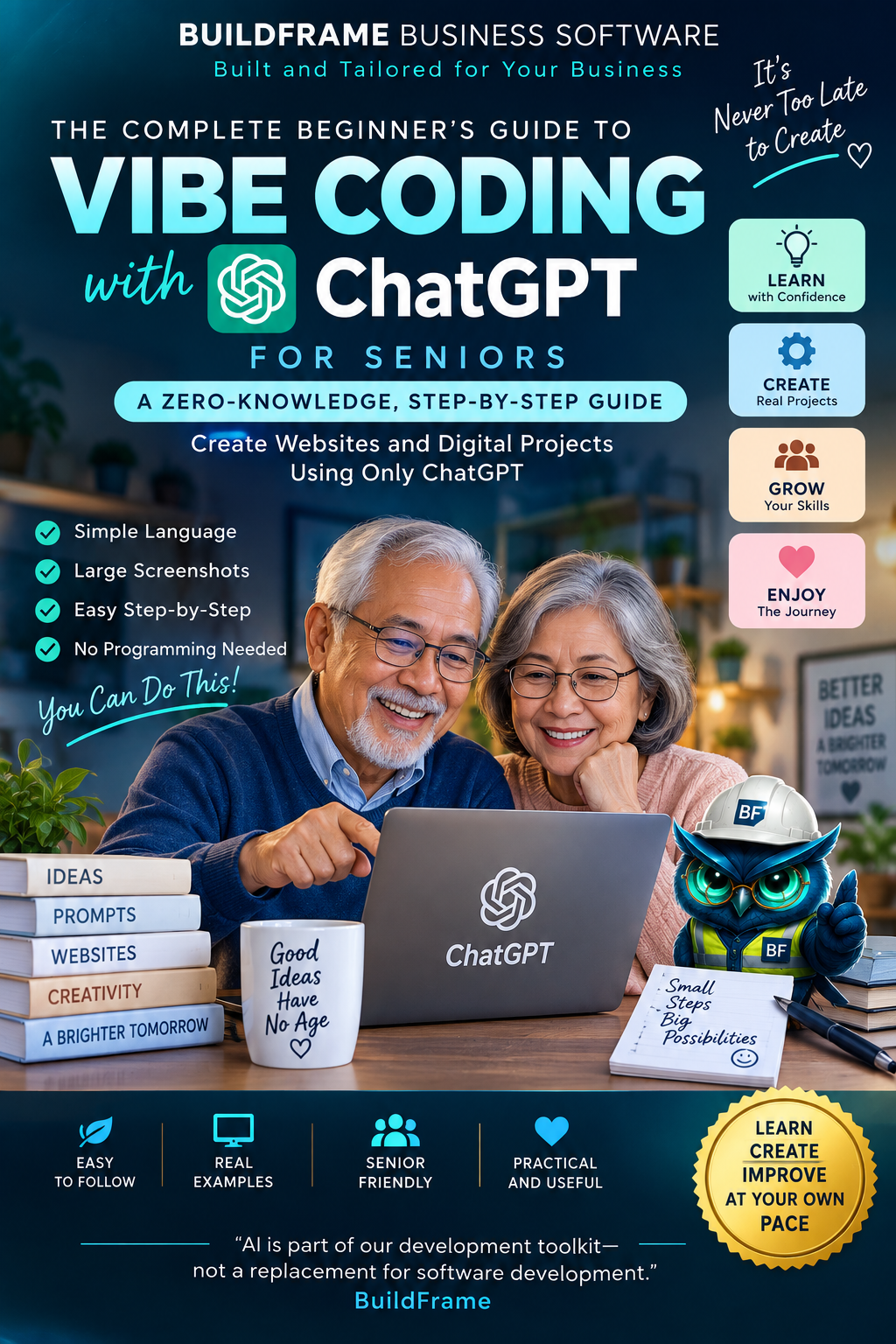
AI is part of our development toolkit—not a replacement for software development.
Our goal is not to teach you to blindly copy whatever AI produces.
We want you to begin understanding what you are building.
TALKING TO CHATGPT
A prompt is simply the message or instruction you give to an AI tool.
I am completely new to coding. Help me create a very simple webpage. Please explain one step at a time using simple words.
We told ChatGPT that we are new.
We explained what we want to create.
We asked for one step at a time.
We asked for simple words.
LET'S LEARN THE LANGUAGE
You do not need to memorize these. We will use them again during the projects.
A program used to open and view websites.
Examples: Chrome, Edge, Firefox, Safari.One page that you can view in a browser.
A place on your computer where related files can be kept together.
Something saved on your computer, such as a picture, document or webpage file.
Something you can click to go to another page or location.
Store the changes you made so they are not lost.
THREE NAMES YOU WILL MEET
These names may look technical now. Let's make them simple.
HTML gives a webpage its basic structure and content.
Think: the structure of a house.CSS controls how the webpage looks.
Think: colors, decoration and appearance.JavaScript can help a webpage react and do things.
Think: behavior and actions.BEFORE THE FUN BEGINS
Do not paste passwords, banking details or other sensitive private information into a prompt.
Check important information instead of assuming every answer is correct.
When ChatGPT gives us code, we will try to understand what the important parts are doing.
Children should use online tools with appropriate parent, guardian or teacher guidance and follow the service's age requirements.
You have already met AI, ChatGPT, coding, Vibe Coding, prompts, browsers, files, folders, HTML, CSS and JavaScript.
You do not need to remember everything.
Now we're going to use these ideas.
Two fun beginner projects are waiting for you.
Let's Play & Build →🌟 WELCOME, CREATOR!
We are going to make two tiny animated stories using pictures, words and simple code.
Choose a story below. Click the button under your choice to start the step-by-step tutorial.
Make a colorful little story with a garden, butterflies and a magical flower.
🌸 Start Mia's TutorialLaunch a rocket, travel through the stars and discover a tiny planet.
🚀 Start Leo's TutorialAnyone can choose either story.
Or you can change the story and create your own idea.
🌸 KIDS PROJECT 01
We are going to create a tiny magical garden webpage with words, colors, flowers and a butterfly.
A small webpage about Mia discovering a magical flower in her garden.
We will ask ChatGPT to help us create it.
You need ChatGPT, a computer, and the program you are using to work with your code.
Don't worry if you do not know what to do yet. We will take it one small step at a time.
I am completely new to coding. Help me create a very simple webpage called Mia's Magical Garden. It should have a garden, colorful flowers, a butterfly and a magical flower. Please use simple HTML, CSS and JavaScript. Teach me one small step at a time. Tell me exactly what file to create, where to paste the code, how to save it and what I should see. Please use simple words and do not assume I know how to code.
Click Copy Prompt.
Open ChatGPT and paste the prompt into the message box.
Then send the message.
Do not rush through all the instructions at once.
Complete one step, look at what happened, and then continue.
MIA'S MAGICAL GARDEN - STEP 2
ChatGPT can help us create the code. Now we need a place where we can use that code to build Mia's webpage.
You may be using Webby, GHL, HLA, an online website builder, a code editor, or another platform that accepts website code.
Different tools may look different, and that is okay.
Some tools have separate areas for HTML, CSS and JavaScript.
Other tools may let you place code together in one custom-code area.
This gives the webpage its content and structure.
This helps control the webpage's appearance and design.
This can give the webpage behavior and actions.
Look for words such as HTML, CSS, JavaScript, Custom Code, Embed, Code or something similar.
The exact name and location depend on the tool or platform you are using.
We are not learning one particular website-building tool.
We are learning how to work with AI, understand the pieces it creates, place those pieces in an appropriate building workspace, and test the result.
MIA'S MAGICAL GARDEN - STEP 3
HTML gives our webpage its content and basic structure.
For Mia's Magical Garden, our HTML can include the title, welcome message, garden, flowers, butterfly, magical flower and magic button.
Think of HTML as the part that tells the webpage what should be there.
That depends on the tool you are using.
Your platform may have an area called HTML, Custom HTML, Custom Code, Embed, Code or something similar.
If you are using a code editor, HTML is commonly placed in a file such as index.html.
You do not need to create anything yet. In the next step, we will ask ChatGPT to help us create the HTML.
The location may change depending on your building platform.
The job of HTML stays the same: content and structure.
MIA'S MAGICAL GARDEN - STEP 4
We know what HTML does. Now let's ask ChatGPT to help us create the HTML for Mia's Magical Garden.
Help me create the HTML for Mia's Magical Garden.
The webpage should have a title that says Mia's Magical Garden, a short welcome message, a garden area, colorful flower elements, a butterfly, a magical flower, and a button that says Make Some Magic.
Keep the HTML simple for a complete beginner. Give me the HTML in one code block.
I may be using a website builder, custom-code area, online coding tool or code editor, so do not assume I am using a specific platform.
After the code, briefly explain the important parts using simple words.
Click Copy Prompt and send it to ChatGPT.
ChatGPT should give you a block containing the HTML code.
Copy the complete HTML code block that ChatGPT gives you.
Do not include ChatGPT's explanation as part of your website code.
Go to the tool or platform you are using to build the webpage.
Look for the appropriate HTML, Custom HTML, Custom Code, Embed, Code or similar area.
Place the HTML code there.
If your platform uses files instead, HTML may be placed in an HTML file such as index.html.
Your tool may use a button called Save, Apply, Update, Done or something similar.
Use the method provided by your chosen platform.
We described what we wanted.
ChatGPT helped create the HTML.
We identified the code we needed and placed it in our building workspace.
That is part of the Vibe Coding workflow.
MIA'S MAGICAL GARDEN - STEP 5
HTML gave our webpage its content and structure. Now CSS can help us change how it looks.
CSS helps control the appearance of a webpage.
It can add colors, spacing, sizes, backgrounds and other visual effects.
Now help me style Mia's Magical Garden with CSS.
Use the HTML you already created in this conversation.
Make the webpage cheerful, colorful and magical, with a soft sky, green garden, colorful flowers, a butterfly, a special magical flower and a beautiful Make Some Magic button.
Keep the CSS simple for a beginner and make the design work well on different screen sizes.
Give me the CSS in one code block. Do not assume I am using a specific building platform.
Send the prompt in the same ChatGPT conversation you are using for Mia's project.
This helps ChatGPT work with the HTML it already helped you create.
Copy only the CSS code block. Do not include ChatGPT's explanation as part of the code.
Go to your chosen building tool or platform.
Look for an area called CSS, Custom CSS, Styles, Custom Code or something similar.
Place the CSS there.
Some platforms may allow HTML and CSS together in one custom-code area.
If your tool uses separate code files, CSS is commonly placed in a file such as style.css.
Your platform may use a button called Save, Apply, Update, Done or something similar.
Use the method provided by the tool you are using.
When the CSS is applied, Mia's webpage should begin to look more colorful and designed.
Your version may look a little different because AI can create different designs from the same idea.
That's okay.
HTML gave us the content and structure.
CSS changed the appearance.
HTML ? content and structure
CSS ? appearance and designMIA'S MAGICAL GARDEN - STEP 6
HTML gave us the content. CSS changed how it looks. Now JavaScript can help our webpage react and do something.
JavaScript can give a webpage behavior and actions.
For Mia's project, we will make the Make Some Magic button do something when it is clicked.
Ask ChatGPT to add simple JavaScript to Mia's Magical Garden.
Tell it to use the HTML and CSS already created in the same conversation.
When the Make Some Magic button is clicked, we want something fun and easy to notice to happen.
Send the prompt in the same ChatGPT conversation you have been using for Mia.
Copy only the JavaScript code block.
Do not include ChatGPT's explanation as part of the code.
Go to your chosen building tool or platform.
Look for an area called JavaScript, JS, Custom JavaScript, Scripts, Custom Code or something similar.
Place the JavaScript in the appropriate area provided by your tool.
If your tool uses separate code files, JavaScript is commonly placed in a file such as script.js.
Some website builders may combine code or have special rules for JavaScript. Follow the method provided by your platform.
Your platform may use a button called Save, Apply, Update, Done or something similar.
Use the method provided by the tool you are using.
HTML       ? content and structure
CSS        ? appearance and design
JavaScript ? behavior and actions
Your building platform may change. These basic ideas stay useful.
MIA'S MAGICAL GARDEN - STEP 7
We have worked with HTML, CSS and JavaScript. Now it is time to see the result and test whether our webpage works.
Go to the building tool or platform you are using.
Look for a way to see or test your webpage.
Your platform may call this Preview, View, Run, Test, Open or something similar.
Use the preview or testing method provided by your chosen platform.
Look for the main parts of Mia's Magical Garden.
Mia's Magical Garden
Welcome message
Garden
Colorful flowers
Butterfly
Magical flower
Make Some Magic button
Your version may look a little different because AI can create different designs from the same idea.
That is okay.
Find the Make Some Magic button and click it.
Something noticeable should happen, such as a glow, movement or cheerful message.
If something happens, your webpage is responding.
If you change your code, use the Save, Apply, Update, Done or similar method provided by your platform.
Then preview or test the webpage again.
This simple habit helps you check whether your latest change worked.
YOUR IDEA
    |
ASK CHATGPT
    |
HTML
    |
CSS
    |
JAVASCRIPT
    |
PREVIEW
    |
TEST
    |
IMPROVE
You did not need to memorize all the code before you started.
You learned what the pieces do, asked AI for help, used the code and tested the result.
🚀 KIDS PROJECT 02
We are going to create a tiny space adventure webpage with stars, a rocket and a little planet.
A small webpage about Leo launching a rocket, traveling through the stars and discovering a tiny planet.
We will ask ChatGPT to help us create it.
You need ChatGPT, a computer, and the program you are using to work with your code.
We will take it one small step at a time.
I am completely new to coding. Help me create a very simple webpage called Leo's Space Adventure. It should have a rocket, stars, space and a tiny planet. Please use simple HTML, CSS and JavaScript. Teach me one small step at a time. Tell me exactly what file to create, where to paste the code, how to save it and what I should see. Please use simple words and do not assume I know how to code.
Click Copy Prompt.
Open ChatGPT and paste the prompt into the message box.
Then send the message.
When ChatGPT gives you instructions, do not rush through everything at once.
Complete one step, check what happened, and then continue.
⚡ MISSION 01
Pick something you enjoy. We will turn it into a webpage.
Choose what your webpage will be about. No code yet. Start with your idea.
Personal. Creative. Professional. You choose the purpose.
Build Something Real →YOUR PRACTICAL BUILD
The same lesson can become different things. Choose what is useful to you.
Introduce yourself and your interests.
Explain a service you provide.
Show examples of your work.
Turn an idea into a simple digital presentation.
PRACTICAL APPLICATION
Vibe Coding can also be used to explore simple digital ideas connected to your profession or business.
Example: You provide a service and want customers to understand what you do.
Tell ChatGPT what the webpage needs to explain.
Test the page, read it and improve it.
A real business system can require more, including data, security, accounts, integrations, testing and maintenance.
This guide is helping you understand the beginning.
OUR GENTLE PROJECT
We will make a simple webpage where you can place a family photograph and write a short memory.
You do not need to open anything yet.
Think of one photograph or one family memory that makes you smile.
When you are ready, we will take the next small step.